
Skip to content

Virtual assistant for contractors and local-service businesses

Your website and phone answer customers—even when you can't.

Your virtual assistant handles missed, after-hours, and busy calls, captures the job details, texts the customer back, and sends your team the callback request.

Live Virtual Receptionist Demo

Put it to the test.

Talk to the assistant your customers would reach. Ask a common question, describe a job, or see how it collects the details your team needs for a callback.

Verify to Start Live Demo

Step 1: open verification. Step 2: start the live conversation.

This is a virtual AI assistant. By starting the live demo, you consent to microphone access and to the conversation being recorded and transcribed for quality and follow-up. Do not share payment details, passwords, or other sensitive information.

Say: “Hi, I just called — I need someone to look at a job this week.”

Hear how it greets the caller and collects the job details your team needs for a callback. Choose another example anytime; an active demo will end first.

Prefer not to use your microphone? See what reaches your team
You choose when it answersYour team handles quotes and exceptionsSetup and support included

Booking does not enroll you or charge a card. Requesting a personalized demo does not enroll you either.

What happens after the answer

The request arrives ready for your team.

No replaying voicemail just to learn who called, what they need, and who should respond.

  1. 1

    The assistant answers

  2. 2

    The customer gets a response

  3. 3

    Your team gets the callback details

Illustrative call summary

New service request

Needs callback
Service
Repair request
Timing
This week
Team action
Call customer back
I need someone to look at a repair this week. Afternoons work best.
Thanks — I have the details and will send your request to the team for a callback.

Team callback: call the customer back

Contact details, requested service, timing, and conversation summary stay together.

Illustrative example. The questions and fields follow the setup approved for each business.
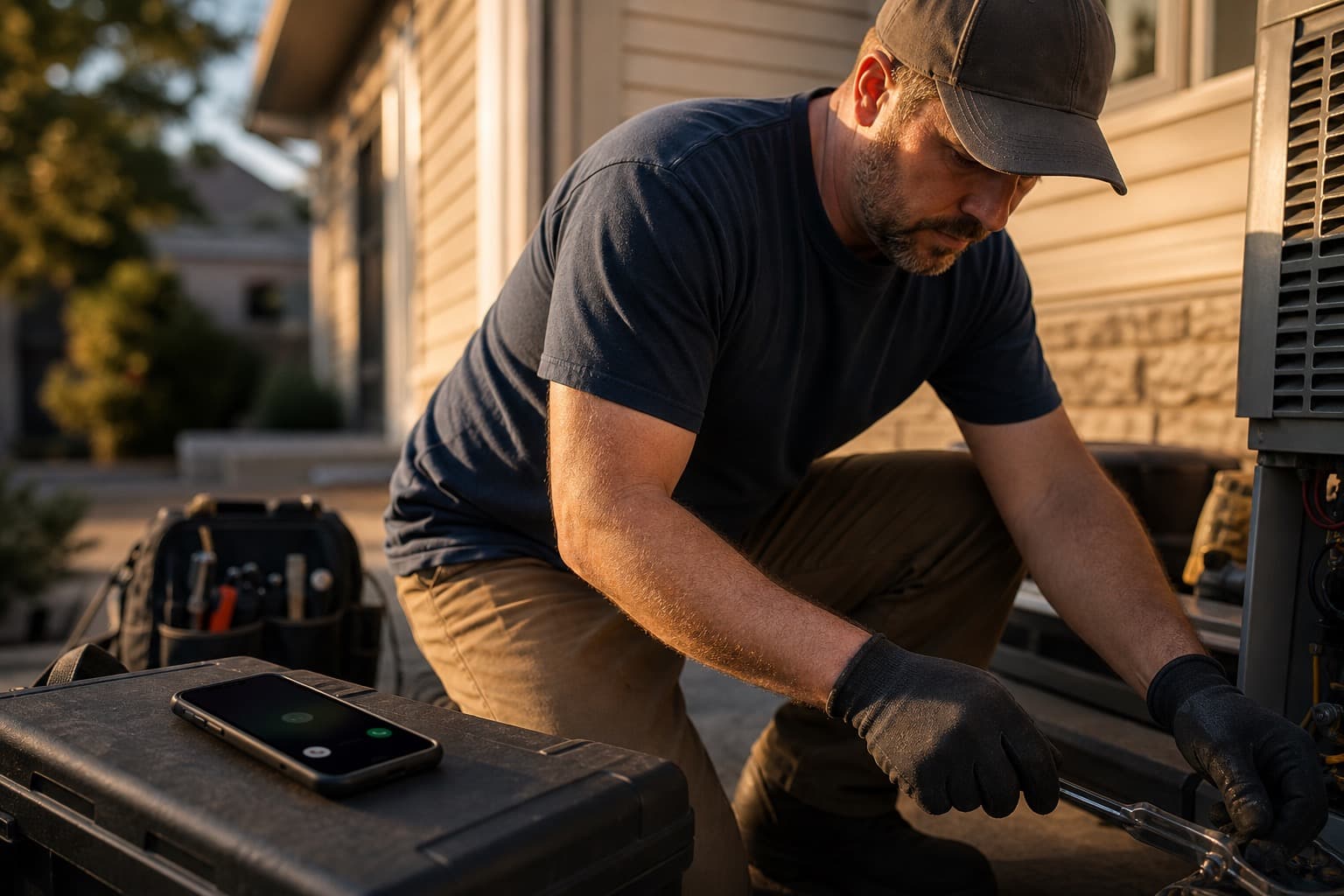
When your team cannot answer

Three ways good calls die. One assistant covering all of them.

Missed calls

You are mid-job, driving, or double-booked when the phone rings.

Your virtual assistant answers, gets the job details, and makes sure your team knows who needs a reply.

After hours

A new inquiry lands at 8:47 PM, long after the office closed.

The caller gets help while they are still looking for someone, not the next morning.

Busy-line overflow

The line is busy and so is everyone who could pick up.

The next caller gets an answer without pulling your team away from the customer in front of them.

What comes with it

Answer the call, capture the request, and keep the follow-up moving.

UnifiedBizTools builds, tests, and supports the setup instead of handing your team another bare login.

Answer on your website

Visitors can ask a question out loud or start a request without hunting through the site.

Cover calls your team misses

Choose missed-call, after-hours, or busy-line coverage around the way your team works.

Text back right away

Customers get an immediate response when your team cannot answer the phone.

Keep every request visible

Call summaries, messages, and website requests arrive in one inbox for follow-up.

Keep open quotes moving

Follow-up keeps estimates from relying on someone to remember who needs a reply.

Ask for the review after the job

A consistent review request goes out after the work is complete.

Built for contractors and local-service businesses.See how the website, job requests, quote follow-up, and review requests fit your trade.

See the contractor setup

This month’s offer

One clear plan for your website, phone, and follow-up.

Entry plan

Smart Website + Virtual Assistant

$300/month

300 minutes a month

About five hours of live answering across your website assistant and business number.

Everything your team needs to follow up

Website, phone, immediate text response, lead inbox, review requests, setup, and support.

Save the $2,000 setup fee this month

The standard setup fee of $2,000 is waived this month.

30-day money-back guarantee

Cancel within the first 30 calendar days for a full refund of the first monthly charge.

A fit conversation or private demo—not an enrollment or payment step.

Where it helps most

You handle the work. Your virtual assistant handles the calls.

Let the assistant handle common questions, collect job details, and take requests. Your team stays in control of quotes, exceptions, and the conversations that need a person.

Great for the assistant

  • Answers common questions using the business information you approve
  • Collects the caller name, contact details, and what the job needs
  • Takes a booking or service request based on your availability
  • Brings in a person whenever the caller needs one
  • Sends your team the call summary and what the customer asked for

Keep with your team

  • Quotes, exceptions, and judgment calls
  • Sensitive or high-stakes conversations
  • Final promises about price or availability
  • Customer relationships and important decisions
  • The parts of running your office that need a person

Straight answers

Questions business owners ask before they book.

What it handles, where your team steps in, and what happens when call volume grows.

Does this replace my receptionist or office manager?

No. It covers repeatable calls your team cannot answer. Your people still handle judgment, exceptions, customer relationships, and the jobs that need a person.

What can it handle on the first call?

It can answer common questions, collect contact and job details, take a booking or service request, and bring in a person when needed. Your team receives a clear summary after the call.

What happens when the included minutes are used?

The phone does not abruptly stop answering. UnifiedBizTools reviews the usage with you and, when the volume calls for it, talks through a larger plan with more included minutes.

Does the caller know it is AI?

Yes. It introduces itself as the virtual AI assistant and says the conversation is recorded and transcribed at the beginning of the call.

Is conversational SMS or website chat included?

No. AI Conversations is a separate lane and is not included here. The included minutes cover the website voice widget and virtual assistant answering on your business number.

Stop sending good calls to voicemail.

See how your virtual assistant can cover missed, after-hours, and busy-line calls while your team keeps control of the jobs that need a person.

Book the 20-minute walkthrough